Robinhood Chain: How to Swap Tokens Step by Step
Robinhood Chain swaps need the right wallet, ETH for gas, and a careful quote review. This guide walks through the full token swap flow step by step.
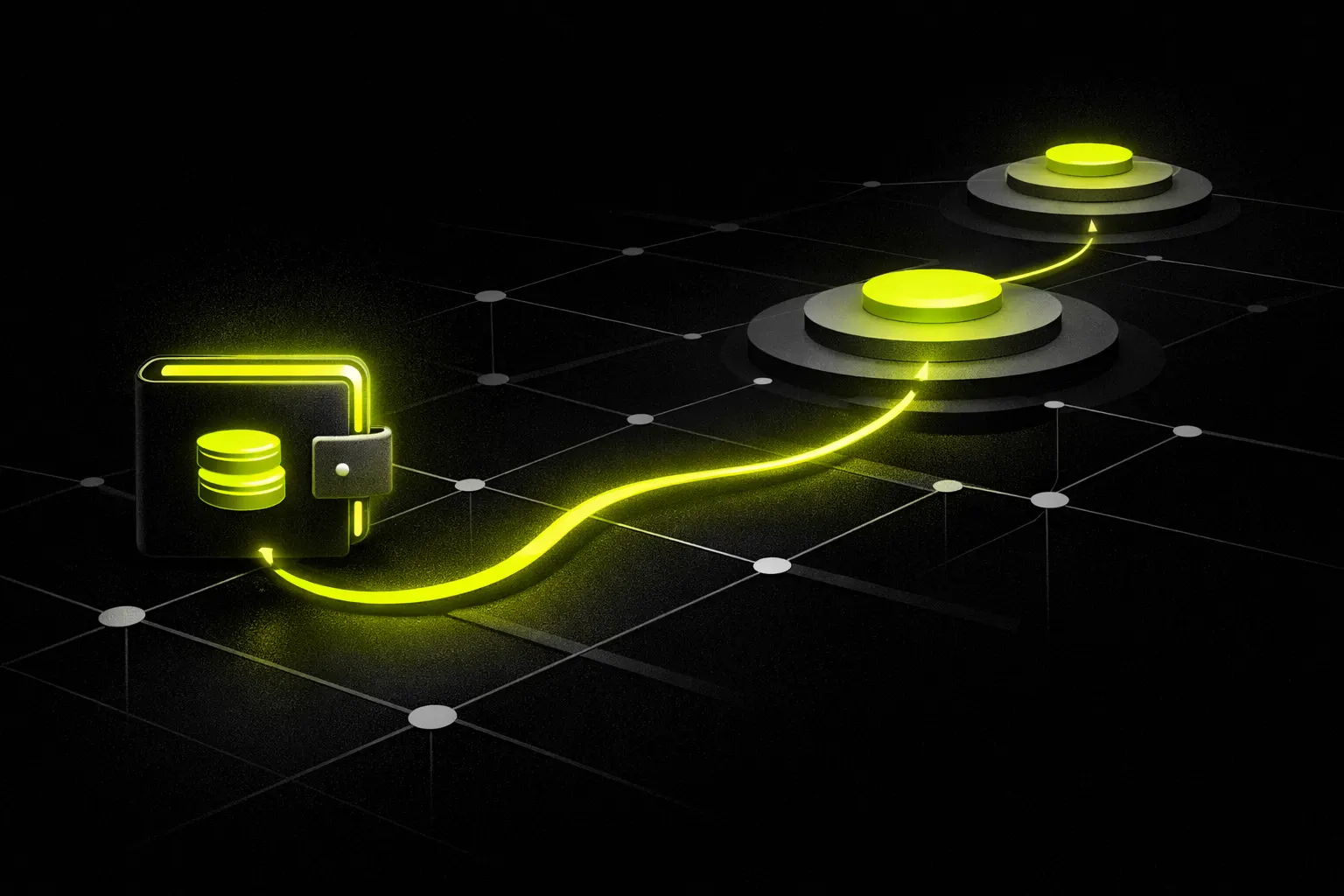
Robinhood Chain swaps are straightforward once the setup is right. Use a self-custody wallet on Robinhood Chain, keep some ETH in the wallet for gas, connect to a DEX that supports the network, choose the token pair, review the quote, and confirm the transaction.
Most problems come from four things: the wrong network, no ETH for gas, the wrong token contract, or a thin pool. Robinhood Chain is an Ethereum Layer 2 built by Robinhood on Arbitrum Orbit technology, so the swap flow looks familiar if you have used other EVM networks.
What a Robinhood Chain swap actually is
A swap on Robinhood Chain is an on-chain trade between two assets in a liquidity pool. The assets might be common quote assets like WETH, USDG, USDC, or USDe, or they might be other tokens trading against those assets.
Gas on Robinhood Chain is paid in ETH. That matters even if the trade itself is between two non-ETH tokens.
Robinhood Chain has many active pools and venues. As of September 13, 2026, GeckoTerminal’s tracked Robinhood Chain data covered 224 pools and 156 tokens, with about $1.12 billion in 24-hour tracked volume and 3.29 million trades across the most active pools.
That last detail matters. “Tracked volume” here means the most active pools in the dataset, not the entire chain, so it is useful for comparing activity but not for claiming complete network totals.
What you need before a Robinhood Chain swap
Get these basics in place before opening a DEX.
- A self-custody wallet.
- Robinhood Chain added to that wallet.
- Some ETH on Robinhood Chain for gas.
- The token you want to swap from, already on Robinhood Chain.
- The correct token contract for the asset you want to swap into, especially if it is new or has a common name.
Here are the core network details.
| Setting | Value |
|---|---|
| Network | Robinhood Chain |
| Chain ID | 4663 |
| Gas token | ETH |
| RPC | https://rpc.mainnet.chain.robinhood.com |
| Explorer | https://robinhoodchain.blockscout.com |
The official network reference is in Robinhood’s chain docs.
If your funds are still on another network, bridge them to Robinhood Chain first. One non-custodial option is RobinSwap, which supports bridging from Ethereum, Base, Arbitrum, OP Mainnet, Polygon, BNB Chain, Avalanche, Linea, Scroll, and Blast.
Step 1: Add Robinhood Chain to your wallet
- Open your wallet’s network settings.
- Choose the option to add a custom EVM network.
- Enter the Robinhood Chain details: chain id 4663, the public RPC, and the Blockscout explorer.
- Save the network and switch to it.
After that, the wallet should show Robinhood Chain as the active network. It should also treat ETH as the native token used for gas.
If the wallet already supports Robinhood Chain, the process may be shorter. The key point is still the same: confirm that the active network is Robinhood Chain before you do anything else.
Step 2: Fund the wallet with ETH and the token you want to trade
- Move the asset you want to swap from onto Robinhood Chain.
- Keep a separate ETH balance for gas.
- Double-check that both balances are on Robinhood Chain, not on another network with the same wallet address.
A common mistake is loading the wallet with only the token being traded and forgetting ETH. The wallet address can hold the token and still fail to swap if the ETH balance is zero.
Do not use your full ETH balance as the trade amount if ETH is the input asset. Leave some ETH untouched so the network fee can still be paid.
If you are not sure how a token is commonly quoted, start by looking for pairs against WETH or a stable asset like USDG, USDC, or USDe. Those are common quote assets on Robinhood Chain.
Step 3: Connect to a Robinhood Chain DEX and review the quote
- Open a DEX that supports Robinhood Chain.
- Connect your wallet.
- Confirm that the DEX and wallet both show Robinhood Chain as the active network.
- Select the token you want to swap from and the token you want to receive.
- Enter the amount.
- Review the quote carefully before signing anything.
This is where beginners usually move too fast. A token name alone is not enough, especially for new or copycat assets.
If the token is unfamiliar, open its contract in the Blockscout explorer and confirm that the address matches the asset you intend to trade. That is the simplest defense against picking the wrong token with the right-looking name.
Now review the quote itself.
- Expected output tells you how much of the destination token the DEX expects to return.
- Slippage tolerance is the maximum difference between the quoted output and the executed output that the trade will accept.
- Price impact is how much your own order moves the pool price.
If slippage is set too tight, the transaction may fail when the pool moves before execution. If it is set too loose, the trade may execute at a worse rate than expected.
If price impact looks large, the problem is usually pool depth relative to your trade size. One practical fix is to reduce the order size or look for a deeper pool for the same pair.
Venue choice matters too. On September 13, 2026, GeckoTerminal’s tracked Robinhood Chain volumes were led by Uniswap V3 (Robinhood) at about $432.6 million, Uniswap V4 (Robinhood) at about $307.5 million, and Uniswap V2 (Robinhood) at about $180.2 million over 24 hours.
That does not mean those venues are automatically best for every pair. It does mean Robinhood Chain liquidity is spread across multiple DEX designs, so comparing the available quote is worth the extra minute.
Step 4: Confirm the swap and verify it on Robinhood Chain
- Check the wallet confirmation screen one more time.
- Make sure the network is Robinhood Chain.
- Make sure the input and output tokens are correct.
- Check the gas fee is being paid in ETH.
- Confirm the transaction in the wallet.
After signing, wait for the transaction to settle on-chain. Then open the transaction in the Blockscout explorer and confirm the status there.
The explorer is useful for three things:
- Verifying that the transaction succeeded.
- Checking the exact token amounts sent and received.
- Confirming the token contract addresses involved in the swap.
If the wallet balance looks delayed, trust the explorer first. Wallet interfaces sometimes refresh later than the chain itself.
If the trade fails, the usual reasons are operational rather than mysterious: wrong network, no ETH for gas, a fast-moving pool, or slippage that was too tight for current conditions.
Common mistakes
- Being on the wrong network. The same wallet address can exist across many networks. The trade only works if the wallet is actually on Robinhood Chain.
- Having tokens but no ETH. Gas is paid in ETH on Robinhood Chain, even if the swap is between stablecoins or other ERC-20 tokens.
- Trusting a ticker instead of a contract. New tokens can share names or symbols. Check the contract in the explorer.
- Ignoring pool depth. A quote can look fine on a tiny test amount and get much worse on a larger one because price impact rises with order size.
- Treating fresh listings like stable markets. On Robinhood Chain, many large percentage moves appear in pools that are less than two days old. Those are listing effects and high-risk trading conditions, not proof of settled price discovery.
- Assuming one DEX always has the best route. Robinhood Chain activity is spread across many venues, so the best execution can differ by pair and by moment.
The safest routine is simple: verify the network, keep ETH for gas, verify the token contract, compare the quote, and then confirm on the explorer after the trade settles.
Frequently asked questions
What gas token do I need for swaps on Robinhood Chain?
Swaps on Robinhood Chain require ETH for gas. That is true even if the trade itself uses tokens like USDG, USDC, or another ERC-20 asset.
What network settings do I need to add Robinhood Chain to a wallet?
Robinhood Chain uses chain id 4663, the public RPC https://rpc.mainnet.chain.robinhood.com, and the Blockscout explorer https://robinhoodchain.blockscout.com. Robinhood’s official chain docs are at https://docs.robinhood.com/chain.
Why does the quote get worse when I increase the trade size?
A larger trade uses more of the available liquidity in the pool, which increases price impact. On Robinhood Chain, as on other DEX networks, thinner pools usually show worse execution on larger orders.
How do I know I picked the right token on Robinhood Chain?
The safest check is the token contract address, not the ticker alone. Open the asset in the Robinhood Chain Blockscout explorer and verify the address before swapping, especially for new or similarly named tokens.
Do I need to bridge before I can swap on Robinhood Chain?
If your assets are on another network, yes. The tokens and the ETH used for gas both need to be on Robinhood Chain before the swap can execute.
Sources
- Robinhood Chain docs docs.robinhood.com
- Robinhood Chain public RPC rpc.mainnet.chain.robinhood.com
- Robinhood Chain Blockscout explorer robinhoodchain.blockscout.com
Trade on Robinhood Chain
Swap any token on Robinhood Chain or bridge in from Ethereum, Base, Arbitrum and more. Non-custodial, live quotes.
Not financial advice. Token prices on Robinhood Chain move fast and new pools can lose most of their value within hours. Figures reflect the moment of capture on September 13, 2026. This article was produced automatically by the RobinSwap editorial pipeline from live on-chain data and the public sources listed above. RobinSwap is not affiliated with Robinhood Markets, Inc.